Enabling a currency
Enable an extra currency before the first invoice in dollars or pounds arrives, or do it from the notice on that invoice
Kasklaar only processes invoices in currencies that are enabled for your administration. By default that is just the base currency, usually the euro. When an invoice in dollars arrives, a notice blocks approval until you enable the dollar.
Where to find it
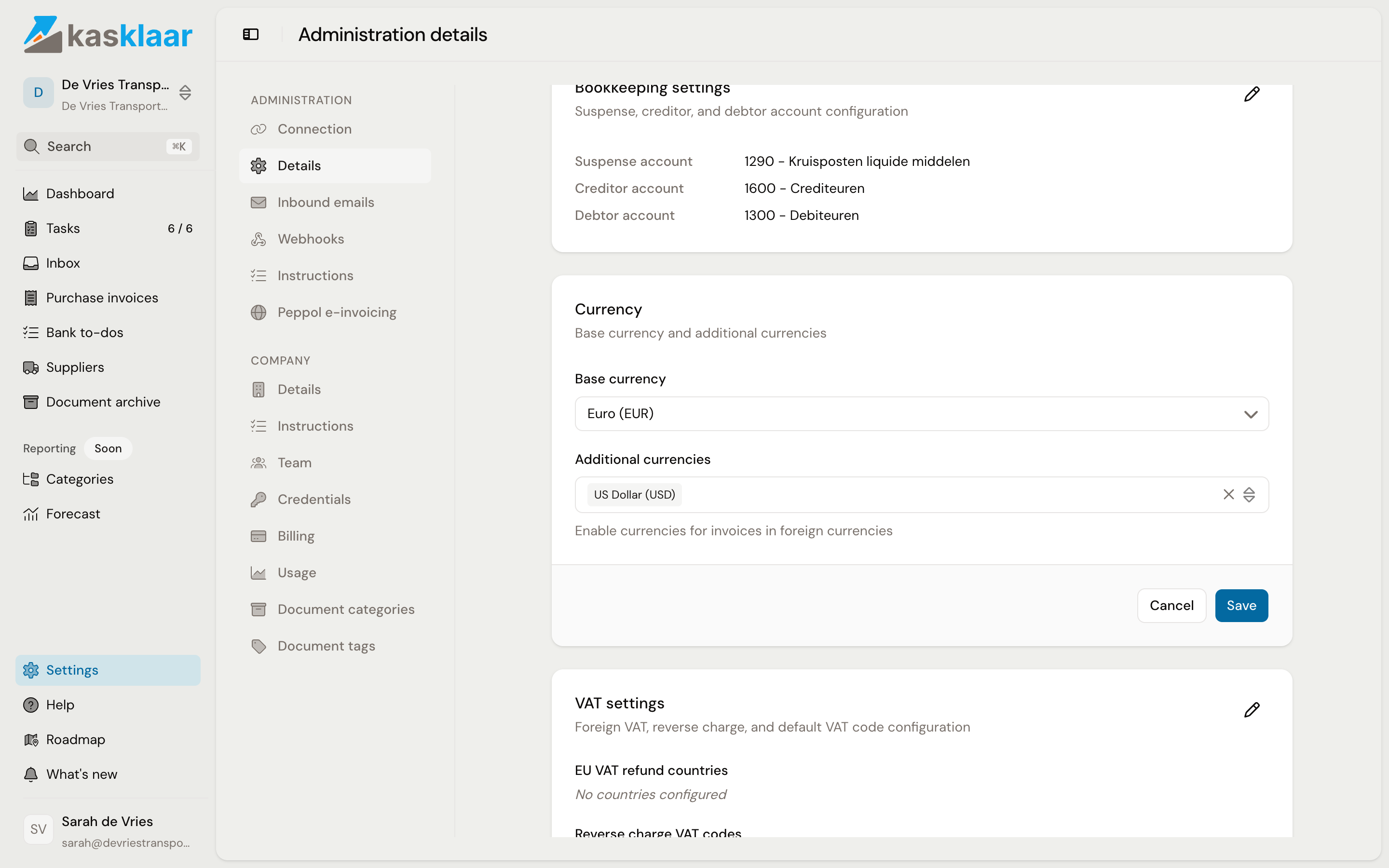
Open Settings, Administration, Details and scroll to the Currency block. Click the pencil.
Enabling a currency
- Leave Base currency on the currency you keep your books in.
- Click in Additional currencies, type the code or the name, for example USD, and pick the currency from the list. You can pick several.
- Click Save.
Do not change the base currency. It is the currency your accounting package works in, and the two have to stay the same. If you do pick another one, Kasklaar asks for confirmation and explains what happens to existing invoices. If in doubt, ask your accountant before changing anything.
From now on your agents turn an invoice in that currency into a booking proposal in the invoice's currency, with the exchange rate attached. How that works on the invoice is in Invoices in foreign currency.
From the invoice
If the currency is not enabled yet when the first invoice arrives, the booking proposal shows the notice The invoice currency USD is not enabled for this administration. Click Enable USD there. Kasklaar then enables the currency for the administration and in your connected accounting package, so the invoice can be booked as well.
If you enable the currency here under Settings, it also has to be active in your accounting package. If it is not, the invoice shows The currency USD is not yet active in your connected accounting software; enable it there and the notice disappears.
Frequently asked questions
Which currencies can I choose? The common trading currencies: among others USD, GBP, CHF, JPY, CNY, AUD, CAD, the Scandinavian kronor, PLN, CZK, HUF and TRY.
Can I change the base currency? The field allows it, but do not do it on an administration that already has bookings. The base currency is the currency of your accounting package; the two have to stay the same.
Where does the exchange rate come from? From the payment: if your agents matched the bank transaction you paid the invoice with, they take the rate from it. If no payment is matched, the invoice asks for a rate with Enter rate. See Foreign currency: rate, date and what is booked.