Kasklaar changelog
Send receipts via WhatsApp
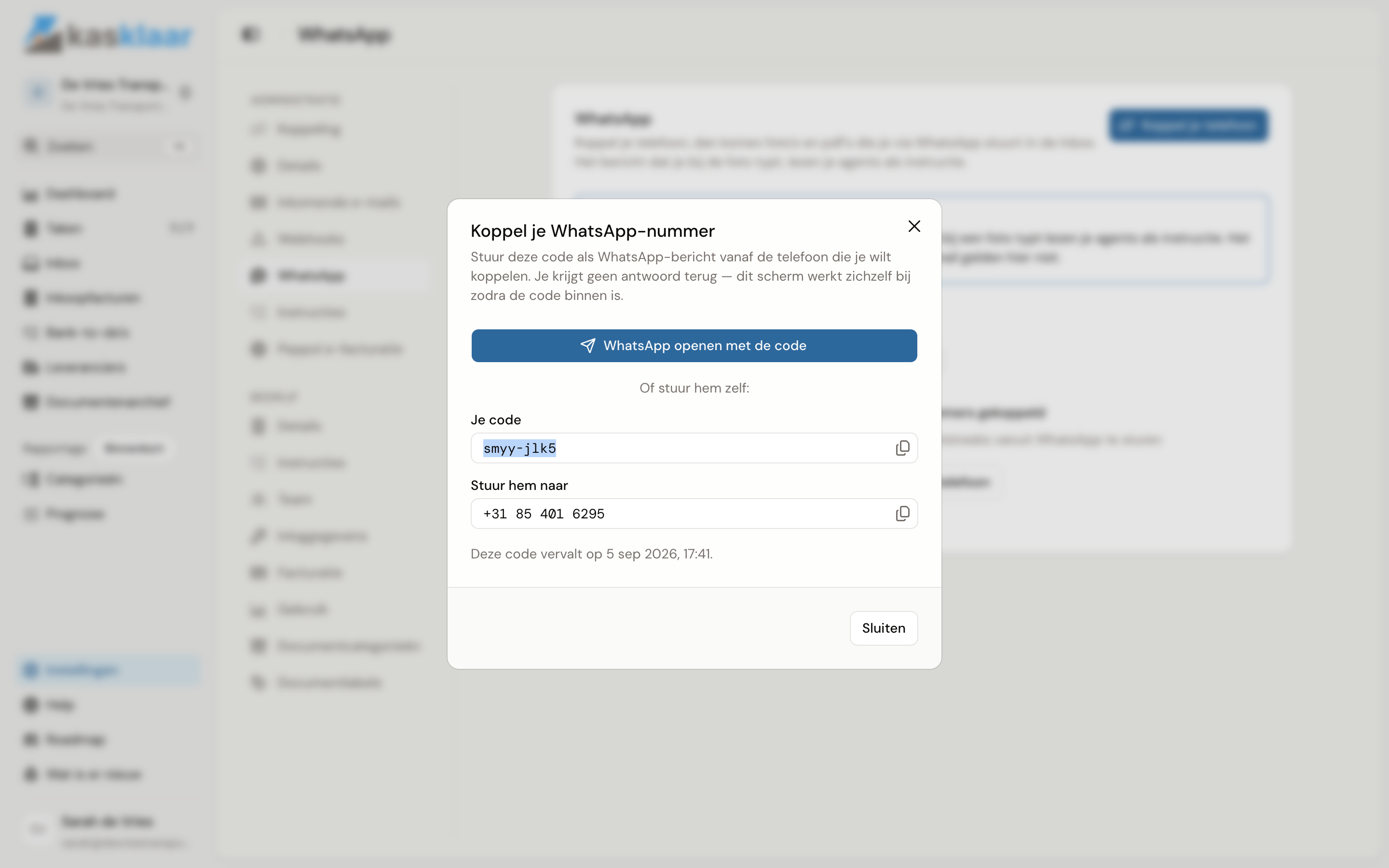
Receipt in one hand, phone in the other: take a photo and send it to Kasklaar. Link your WhatsApp number to your administration once; after that, every photo or PDF you send from that phone lands in your Inbox, exactly like a forwarded email. Add a caption such as "lunch with client, 50/50" and your agents take it as an instruction.
Improvements
WhatsApp: link your phone under Settings, Administration, WhatsApp with one tap on a link; the code is already in the message.
Inbox: for a document from WhatsApp you see the sending number, the time and your caption.
Instructions: a caption on your photo always counts as an instruction; your linked phone is already proven to be yours.
Fixed
Inbox: the source of a document is now right for Peppol too; it showed as Webhook.
How it works is in Sending documents via WhatsApp.